
2 min read • 344 words
Read Time Machine
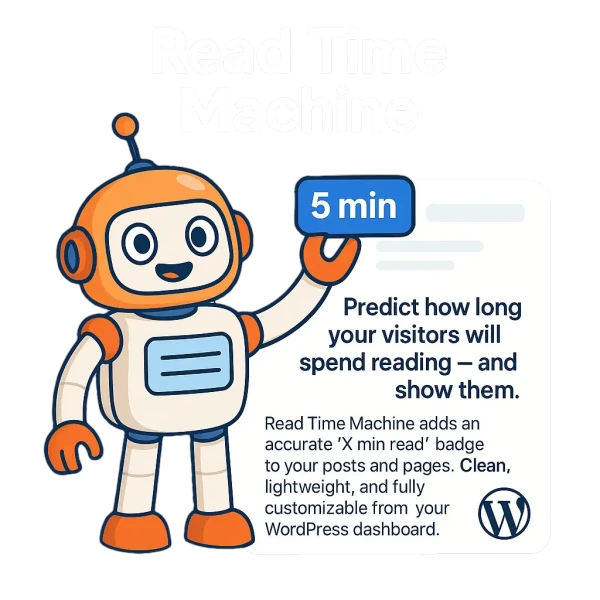
Predict how long your visitors will spend reading – and show them.
Read Time Machine adds an accurate “X min read” badge to your posts and pages. It’s clean, lightweight, and now gives you deeper control from inside your WordPress dashboard – including Elementor-friendly output, per-post control, and optional animated numbers.
Why Use It?
People like to know what they’re getting into – especially when reading blog posts.
This plugin helps reduce bounce rates and set expectations by showing reading time in a consistent, professional way – with automatic placement, shortcodes, and flexible styling options.
Example Output
🕒 3 min read
Key Features
- Automatically calculates reading time based on word count
- Elementor compatible (badge appears correctly even on Elementor-built pages)
- Lightweight and performance-minded (loads only when needed)
- Add before or after content — or use the [read_time_machine] shortcode
- Adjustable Words Per Minute (WPM)
- Works with posts, pages, and supported custom post types
- Animated numbers (optional) with full control over duration & delay (ms)
- Per-post controls (disable the badge for specific content when needed)
- Clean HTML output - easy to style with your theme
- Translation-ready and i18n friendly
Ideal For
- Bloggers
- Tutorial writers
- News sites
- Content-heavy landing pages
- Anyone who wants to reduce bounce and boost engagement
How It Works
- Install and activate the plugin.
- Go to Settings > Read Time Machine.
- Set your WPM, choose where the badge appears, and adjust styling/animation if you want.
- Done, it just works across classic editor, block editor, and Elementor pages.


No comment